
AI editor
Shoot it once. Let the edit come to you.
Upload your raw clips as they are. The AI editor, your human editor, or both, deliver versions ready for TikTok. You approve the one you like, or send it back with notes.
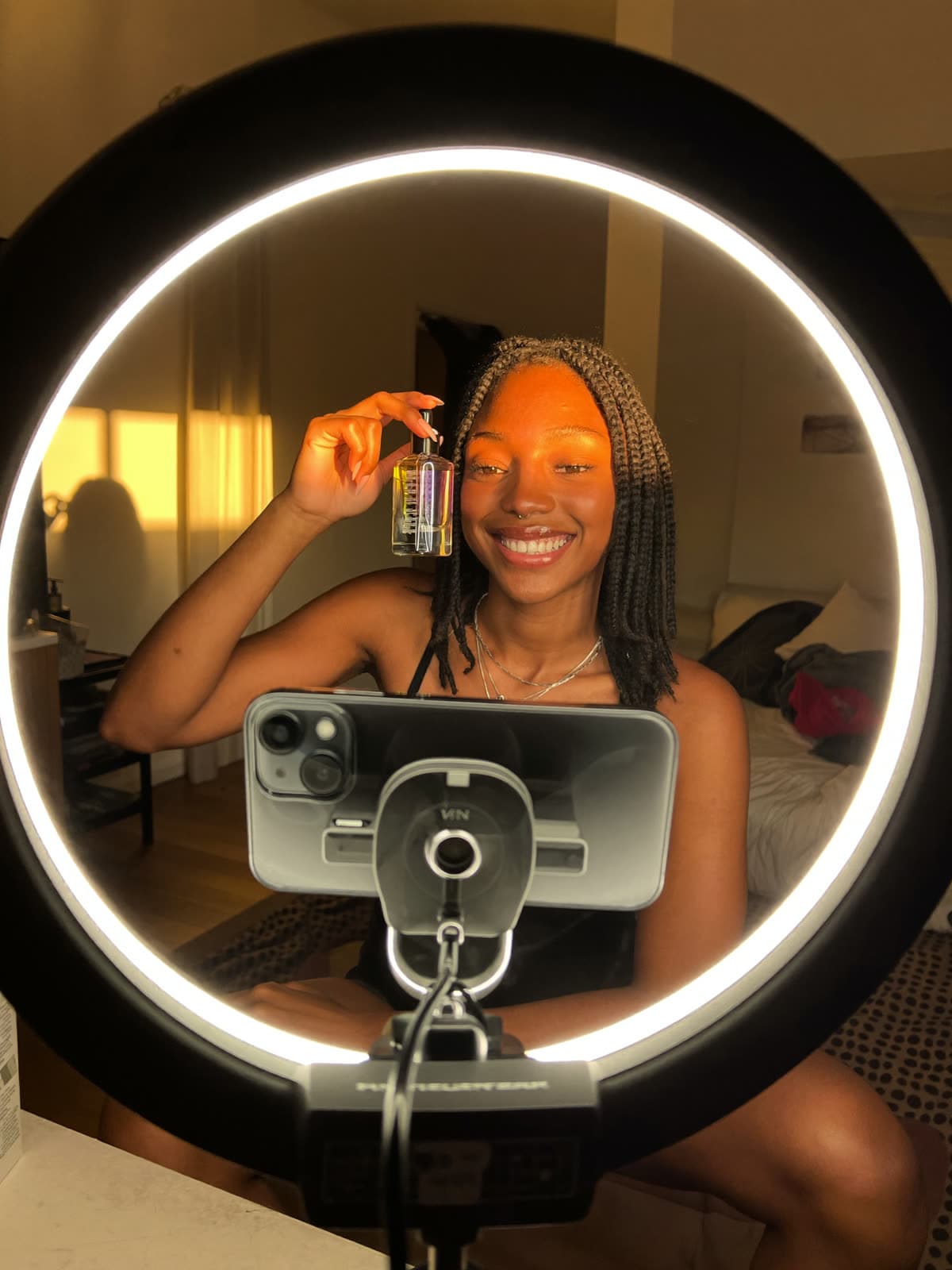 Sample data
Glow serum · @yourshop
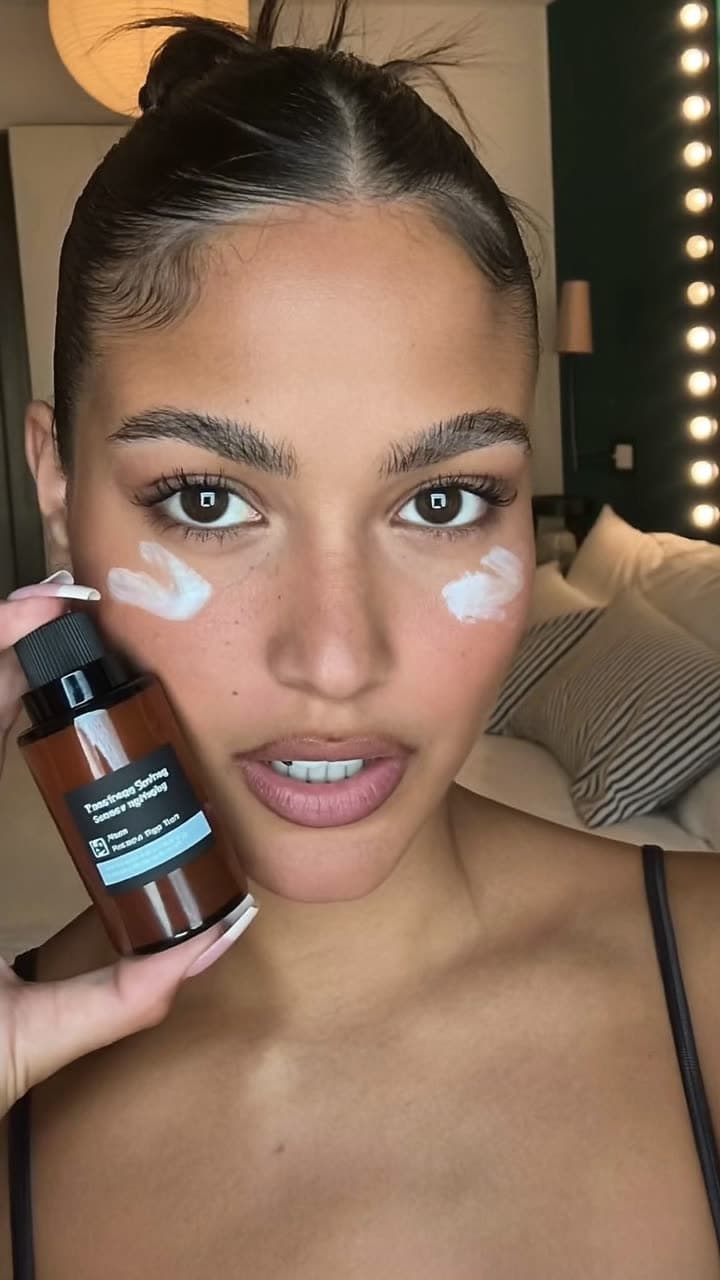 TikTok safe zone
v3 · Maria (editor) Approved
From raw clip to approved edit
01
Upload the raw take
Single clips or a hook, body and CTA. HOOKDATA renames and files everything by date, brand and account.
02
The edit gets made
The AI agent picks it up right away, or your editor takes it from their queue. Either way you see where every video is.
03
Approve or ask for changes
Pick the version you like. Changes go back with your comment; old versions are kept for a while and then cleaned up.
Made for daily posting
Team or solo
Work with an editor, let the AI edit, or mix both depending on the video.
Safe zones in the preview
See the edit inside a TikTok frame so captions and buttons don't cover the product.
Versions, not chaos
v1, v2, v3 are kept in order, and the ones you don't pick are removed after the days you choose.
Checked on delivery
Every delivered edit goes straight to Guardian AI before it reaches you.
Your original footage is uploaded at full quality and stays in your workspace's storage.
Questions about this
Do I need a human editor?
No. You can let the AI agent edit, invite your editor, or combine both depending on the video.
Can I edit the AI's version?
You approve it as is or request changes with a comment; the next version comes back to your approval queue.
Where are my files stored?
In your workspace's cloud storage, separated from other workspaces. Older videos can stay in the Google Drive of whoever created the workspace.
Keep exploring
Guardian AI
Catch the violation before TikTok does.
Guardian AI reviews your video, voiceover and caption against TikTok Shop content policies and flags risky claims with a concrete fix before you post.
Learn moreColabs Hub
Every brand deal, none of the inbox noise.
Connect your Gmail and see only brand collaboration emails, with the budget and deliverables pulled out, scam warnings and AI reply drafts you approve before they're sent.
Learn moreAnalytics
Stop guessing which video sells.
Views, likes, comments, shares, saves and engagement for every TikTok video, refreshed daily, plus sales by video and viral research for your niche.
Learn more